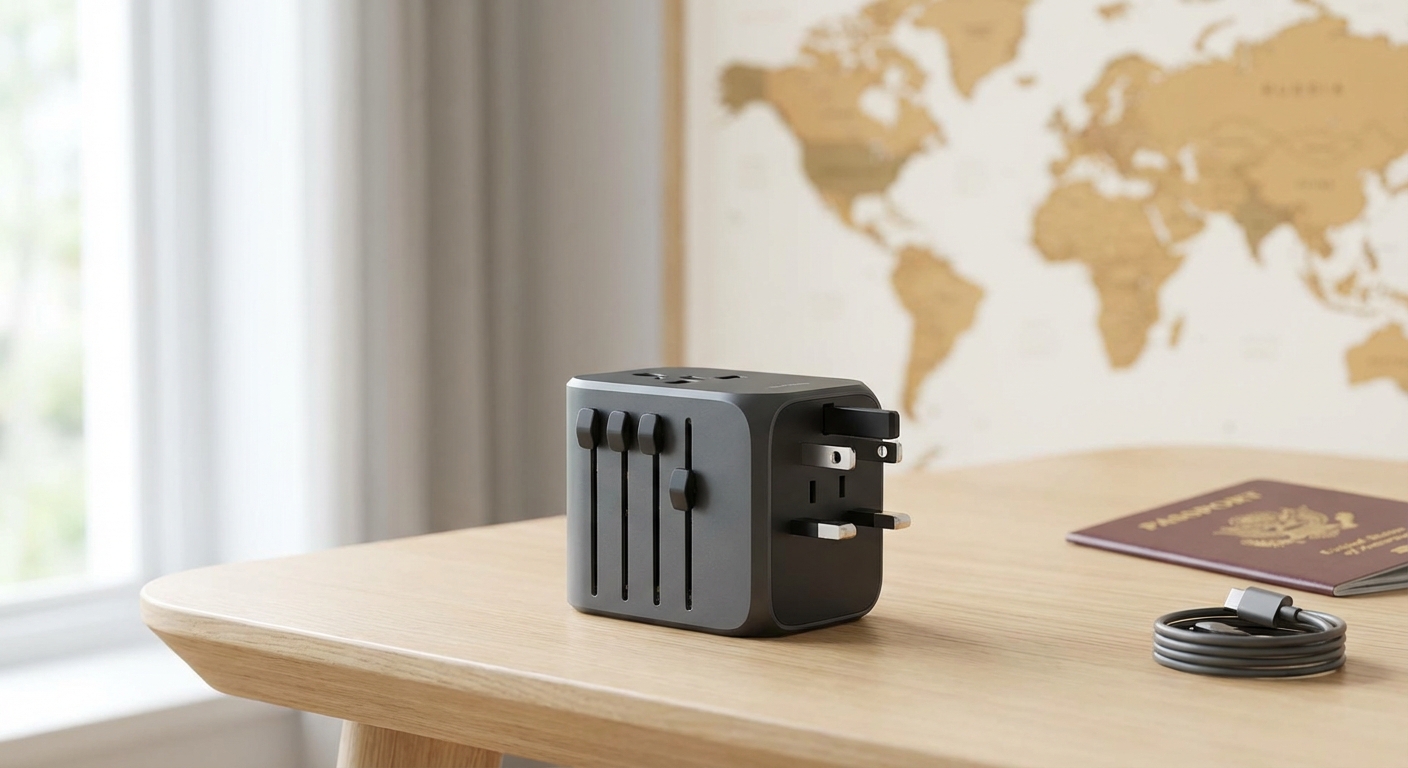
I once arrived in Portugal at 11pm with 8% laptop battery and a client call at 9am. My adapter was in my checked bag—delayed until the next afternoon. That $25 emergency purchase at the airport taught me: your adapter isn't just another accessory. It's the gateway to your entire work setup.
A universal travel adapter is one of the few absolutely essential items for digital nomads. Without the right one, nothing else matters—not your perfect laptop, organized tech pouch, or refined packing system.
This guide covers everything you need to know: plug types, voltage considerations, and the best adapters for different nomad needs.
Quick Navigation:
- Understanding Plugs vs. Voltage
- Plug Types Around the World
- Best Universal Adapters
- Adapter Features That Matter
- Do You Need a Voltage Converter?
- FAQ
Understanding Plugs vs. Voltage
Most travelers confuse two separate issues:
Plug Shape (Adapter Solves This)
Different countries use different shaped plugs:
- US/Canada: Flat parallel blades
- UK: Three rectangular prongs
- Europe: Two round pins
- Australia: Angled flat blades
A travel adapter changes your plug shape to fit foreign outlets. That's all it does.
Voltage (Usually Not a Problem)
Countries use different voltages:
- North America: 110-120V
- Most of the world: 220-240V
Good news for digital nomads: Modern electronics (laptops, phones, tablets, cameras) have universal power supplies that handle 100-240V automatically. Check your charger—if it says "100-240V," you're covered.
Exception: Some older or specialized electronics (hair dryers, some curling irons, older devices) are single-voltage and need a voltage converter, not just an adapter.
Plug Types Around the World
Here's what you'll encounter:
| Type | Countries | Description |
|---|---|---|
| Type A | US, Canada, Mexico, Japan | Two flat parallel pins |
| Type B | US, Canada, Mexico | Two flat pins + grounding pin |
| Type C | Europe, South America, Asia | Two round pins (Europlug) |
| Type G | UK, Ireland, UAE, Hong Kong | Three rectangular pins |
| Type I | Australia, New Zealand, China | Two angled flat pins |
Good news: A universal adapter with US, UK, EU, and AU compatibility covers 95%+ of countries.
Regional Breakdown
Americas
- North America: Type A/B (110-120V)
- Central America: Type A/B (varies)
- South America: Mixed (Type A/B/C)
Europe
- Western Europe: Type C/F (220-240V)
- UK/Ireland: Type G (220-240V)
- Eastern Europe: Type C/F (220-240V)
Asia
- East Asia: Varies (Japan Type A, China Type I)
- Southeast Asia: Mixed (Type A/C/G)
- South Asia: Type C/D/G
Oceania
- Australia/NZ: Type I (230-240V)
Africa
- Varies widely by country
- Type C, G, and D common
Best Universal Adapters
TESSAN Universal Adapter — Best Overall
The TESSAN has earned its reputation as the go-to adapter for experienced travelers.
Why it wins:
- Works in 200+ countries (all major plug types)
- 4 USB-A + 2 USB-C ports
- Compact design despite port count
- Smart charging IC
- Under $30 price point
Specs:
- Output: 6A total (2.4A per USB-A, 3A USB-C)
- Compatibility: US/UK/EU/AU plugs
- Weight: 6.3 oz
Best for: Most digital nomads seeking reliable, feature-rich adapter at reasonable price.
LENCENT 65W GaN — Best for Laptops
For nomads who want to consolidate their charger and adapter.
Why it's special:
- 65W USB-C PD charges laptops directly
- Can replace your laptop charger entirely
- GaN technology for compact size
- Works in 200+ countries
Specs:
- Output: 65W USB-C PD, plus additional ports
- Compatibility: US/UK/EU/AU plugs
- Weight: 7.2 oz
Best for: MacBook/laptop users who want one device for all charging.
Epicka Universal — Best Value
Proven reliability at budget pricing.
Why it works:
- 150+ country compatibility
- 4 USB-A ports
- Safety shutters
- Years of positive reviews
- Under $20
Specs:
- Output: 2.4A per USB port
- Compatibility: US/UK/EU/AU plugs
- Weight: 4.2 oz
Best for: Budget-conscious travelers, backup adapter.
MOMAX 100W GaN — Best Premium
When you want the most powerful adapter and money isn't the primary concern.
Why premium matters:
- 100W max output—charges even 16-inch MacBook Pros
- 2 USB-C PD ports + 2 USB-A QC ports
- GaN technology for compact size despite high wattage
- Superior build quality
- 180+ country compatibility
Specs:
- Output: 100W max (USB-C PD)
- Compatibility: US/UK/EU/AU plugs
- Weight: 8.5 oz
Best for: Power users who need maximum charging capability for large laptops and multiple devices.
NEWVANGA — Most Compact
When size and weight trump everything else.
Why minimalists love it:
- Ultra-compact form factor
- 2.6 oz weight
- Still covers major plug types
- Dual USB for basic needs
Specs:
- Output: 2.1A USB
- Compatibility: US/UK/EU/AU plugs
- Weight: 2.6 oz
Best for: One-bag minimalists, ultralight packers.
Adapter Comparison
| Adapter | Ports | Laptop Charging | Weight | Price | Best For |
|---|---|---|---|---|---|
| TESSAN 65W GaN | 4 | 65W USB-C PD | 6.3 oz | $34 | Most nomads |
| LENCENT 65W GaN | 4 | 65W USB-C PD | 7.2 oz | $38 | Laptop users |
| Epicka TA-105 | 5 | Via USB-C | 4.2 oz | $19 | Budget choice |
| MOMAX 100W GaN | 4 | 100W USB-C PD | 8.5 oz | $70 | Premium |
| NEWVANGA | 2 | No | 3.2 oz | $16 | Minimalists |
Adapter Features That Matter
USB Port Count
More ports = more simultaneous charging:
- 2 ports: Phone + one device
- 4 ports: Phone, tablet, power bank, accessory
- 6 ports: Everything at once
Recommendation: 4+ ports for digital nomads with multiple devices.
USB-C Power Delivery
USB-C PD enables fast charging and laptop charging:
- 15W USB-C: Phone fast charging
- 30W USB-C: Small laptop charging (MacBook Air)
- 45-65W USB-C: Full laptop charging
- 100W USB-C: Larger laptops, fastest charging
Recommendation: 65W+ if you want to potentially replace your laptop charger.
Build Quality
Daily use adds up. Quality indicators:
- Solid plug mechanism (doesn't wobble)
- Quality materials (no cheap plastic feel)
- Certifications (CE, FCC, RoHS)
- Brand reputation
Safety Features
- Surge protection: Guards against power spikes
- Safety shutters: Prevent accidental shock
- Fuse: Protects devices (auto-reset is better)
- Grounding: Important for some devices
Do You Need a Voltage Converter?
Probably Not (Dual Voltage Devices)
Modern electronics handle voltage automatically. Check your charger for "Input: 100-240V":
Typically dual voltage:
- Laptop chargers
- Phone chargers
- Tablet chargers
- Camera chargers
- Electric razors
- Most modern electronics
If it says 100-240V, you only need an adapter, not a converter.
Possibly Yes (Single Voltage Devices)
Some devices are single voltage (usually 110-120V only):
Often single voltage:
- Hair dryers
- Curling irons/flat irons
- Some older electronics
- Some American appliances
Solutions:
- Buy a dual-voltage version of the device
- Buy locally at destination
- Use a voltage converter (heavy, expensive)
Recommendation: For digital nomads, avoid single-voltage devices entirely. It's not worth the converter weight.
Adapter Strategy for Digital Nomads
The One Adapter Approach
Most nomads carry a single universal adapter:
Setup:
- TESSAN or similar universal adapter
- Separate GaN charger for laptop (if adapter doesn't have high-wattage USB-C)
Why it works: One adapter + one charger handles everything in any country.
The Two Adapter Approach
Some nomads carry two adapters for redundancy:
Primary: Full-featured adapter with multiple USB ports Backup: Compact adapter for day trips or emergencies
Why consider: If your adapter fails, you can't work. Backup costs $15-20 and weighs 2-3 oz.
The All-in-One Approach
Replace multiple devices with one:
Setup: LENCENT 65W GaN or similar
What it replaces:
- Travel adapter
- Laptop charger
- Phone charger
Why consider: Maximum efficiency, minimum weight, fewer items to lose.
Common Adapter Mistakes
Mistake 1: Buying Country-Specific Adapters
Don't buy individual adapters for each region. A single universal adapter covers everywhere for the same price as 2-3 specific adapters.
Mistake 2: Ignoring USB Port Count
Basic adapters with only the AC outlet require you to plug in your charger separately. Integrated USB saves carrying extra chargers.
Mistake 3: Assuming Adapter = Converter
An adapter only changes plug shape. If your device is single-voltage (check the label), you need a voltage converter or a different device.
Mistake 4: Skipping Surge Protection
Power quality varies globally. Surge protection prevents damage to expensive electronics. Most quality adapters include this.
Mistake 5: Over-Relying on One
Adapters can fail or get lost. Having a backup (or knowing where to buy one locally) prevents workday disasters.
FAQ
Will my laptop work with just an adapter?
Almost certainly yes. Check your laptop charger for "Input: 100-240V ~50-60Hz." If it shows this, you need only an adapter, not a voltage converter. All modern laptop chargers are dual voltage.
Should I get an adapter with USB-C PD?
If you want to potentially eliminate your laptop charger, yes. A 65W USB-C PD adapter can charge most laptops directly. Without USB-C PD, you still need your laptop's original charger.
Are cheap adapters safe?
Generally yes, but quality varies. Look for:
- Safety certifications (CE, FCC)
- Brand reputation
- Positive reviews mentioning long-term use
- Surge protection claims
Very cheap unbranded adapters may lack safety features.
Can I charge multiple devices simultaneously?
Yes, but total output is shared. A 6A adapter split across 6 ports means 1A per device if all are charging. For fast charging, use fewer ports simultaneously.
What about Japan's different voltage?
Japan uses 100V (lower than US 110-120V). Modern dual-voltage electronics (100-240V) handle this fine. Some older US devices might work but could run slightly under-powered.
Do I need an adapter for USB charging?
If you have a portable power bank and USB cables, you could charge via power bank without an adapter temporarily. But eventually you need to charge the power bank—so yes, you need an adapter.
How long do adapters last?
Quality adapters last 5-10 years of regular use. The plug mechanism typically fails first. Investing in quality pays off over time.
The Complete Power Setup
For reference, here's the optimal digital nomad power kit:
| Item | Purpose | Weight |
|---|---|---|
| Universal adapter (w/ USB) | All outlets, phone charging | 6-8 oz |
| GaN charger (45-65W) | Laptop + fast device charging | 4-6 oz |
| Power bank (20,000mAh) | Backup power | 12-14 oz |
| USB-C cables (x2) | Laptop + phone | 2 oz |
| USB-A cable (x1) | Backup/accessories | 1 oz |
| Total | ~25-31 oz |
This setup handles any power situation in any country. For complete power recommendations, see our power bank guide.
The Verdict
For most digital nomads: The TESSAN 65W GaN Universal Adapter offers the best balance of features, reliability, and price. GaN technology delivers 65W USB-C PD for laptop charging, and universal compatibility means one adapter for every country.
For laptop charger consolidation: The LENCENT 65W GaN can replace your laptop charger entirely, reducing pack weight and items to track.
For budget: The Epicka TA-105 has years of proven reliability at under $20—it's the #1 bestseller for good reason.
For power users: The MOMAX 100W GaN delivers maximum charging power for large laptops like the MacBook Pro 16-inch.
For minimalists: The NEWVANGA provides essential compatibility at just 3.2 oz—perfect for ultralight travelers.
Your adapter is the gateway to working anywhere in the world. Invest in quality, understand the basics of plugs vs. voltage, and you'll never think about power compatibility again.
Related guides: