Van Life Internet Setup: Working Remotely From Your Van
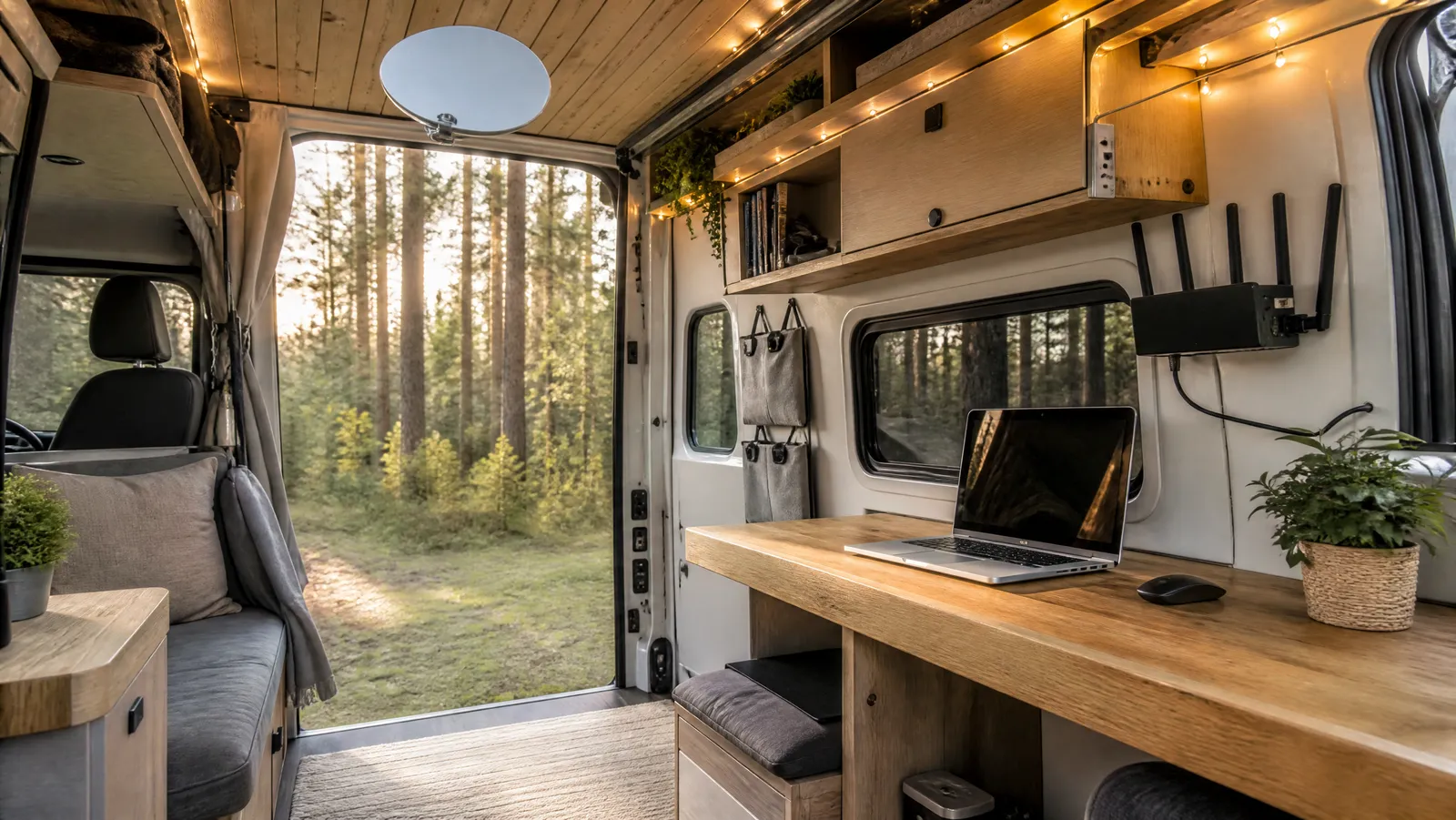

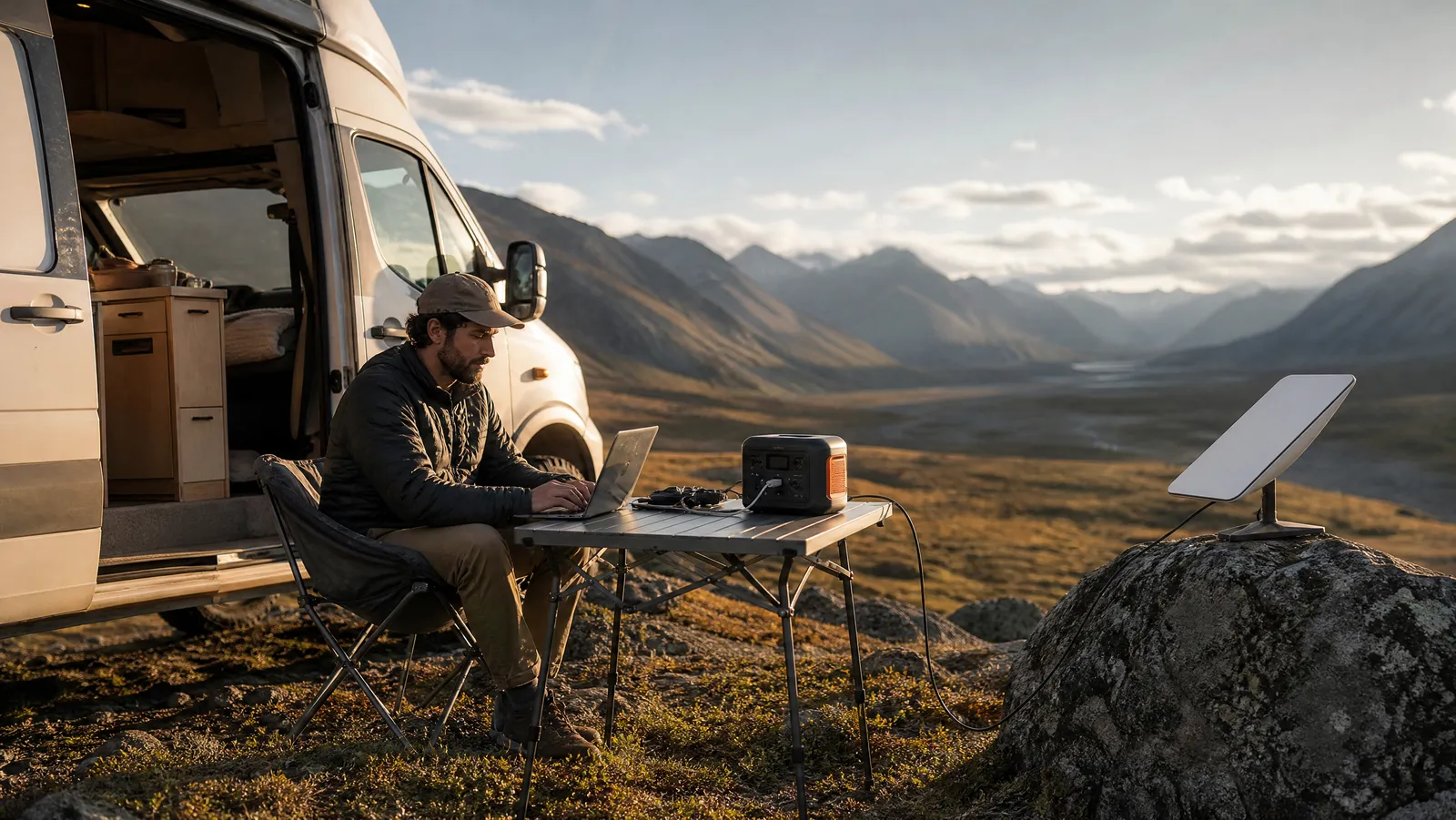
A reliable van life internet setup stacks three tiers: a roof or window cellular antenna feeding a 5G router as your daily driver, a Starlink Mini for the dead zones, and one travel router that presents a single network no matter which connection is doing the work. Wire that stack into your van's power system and you can take a 10 a.m. video call from almost any legal parking spot in the country.
This article is the van-specific chapter of Nomad Outfit's off-grid remote work guide, which maps the full internet-plus-power-plus-backup system for working beyond the grid. Here we zoom in on the vehicle build: which hardware goes where, what it draws from your batteries, what it costs at three budget levels, and the parking decisions that quietly matter more than any router spec.
One ground rule: everything below is judged against a single standard — can you hold a client video call and hit a deadline from wherever you parked last night? If your income rides on connectivity, "usually works" is not a spec.
Why a Van Life Internet Setup Needs Three Tiers
A van is the best possible platform for mobile internet — it carries batteries no backpacker could, its roof is antenna and solar real estate, and its alternator is a generator you already own. But no single connection type survives a full travel season: cellular dies in canyons and forests, satellite dies under tree cover, and campground WiFi dies whenever more than six people use it.
So the architecture we run — and recommend across this series — layers three tiers, each covering the others' blind spots:
| Tier | Hardware | Role |
|---|---|---|
| 1. Cellular | External antenna + 5G router or hotspot | Daily driver: cheapest data, lowest power |
| 2. Satellite | Starlink Mini | Dead zones: forests, deserts, coverage-map white space |
| 3. Local network | Travel router | One WiFi name across every upstream |
| Bonus | Campground WiFi (via router's repeater mode) | Free bulk downloads when it happens to work |
The order matters: cellular wins on cost per gigabyte and power draw wherever it works, satellite works where nothing else does, and the router turns the first two from a pile of gadgets into an office.
Tier 1: Cellular Is the Daily Driver for RV Internet and Remote Work
Most van-lifers already carry the core of tier one: a phone that can tether. The upgrade path that separates a hobby setup from professional rv internet for remote work is an external antenna and a dedicated cellular router — because the problem is rarely that no tower exists, it's that your van's metal body is actively blocking it.
The antenna is the highest-leverage dollar in the build. A metal-skinned vehicle behaves like a partial Faraday cage for the device inside it. According to CoaxRF's RV and van cellular antenna guide, a roof-mounted MIMO panel antenna in the Poynting XPOL class delivers roughly 5–9 dBi of gain across the LTE bands, and a proper roof installation typically improves received signal by 10–20 dB over a router's internal antennas in a metal-skinned vehicle (5–10 dB in fiberglass). Those decibels are logarithmic — they routinely turn one unusable bar into a workable connection. In one install documented by I Love RV Life, an external MIMO antenna improved a cellular router's download speeds by roughly 600 percent for about ninety minutes of work.
The router turns signal into a workday. A dedicated 5G router or hotspot with external antenna ports (usually TS9) is what lets the roof antenna actually feed your connection. Our Netgear Nighthawk M6 Pro review covers the premium option we run: antenna ports, ethernet out, and all-day battery, at a painful $699. If that's more router than your income justifies, a mid-range unit from our best portable WiFi hotspots for travel roundup plus a window-mounted antenna gets you most of the benefit for a fraction of the cost.
Carrier diversity is non-negotiable. Coverage maps disagree with each other constantly, and the carrier that owns one valley often has nothing in the next. We run the router on one network and keep a phone (or a spare eSIM) on a second. Two mediocre carriers beat one great one, every travel month.
Read the fine print on "unlimited." According to US Mobile's July 2026 unlimited-plan comparison, most unlimited plans carry a premium-data threshold — commonly in the 50–100GB range — after which traffic can be deprioritized during network congestion, and hotspot allowances on most plans run just 5–50GB at full speed. A remote worker doing daily video calls through a tethered phone can hit those hotspot caps in two weeks. Budget plans around your real burn rate: video conferencing plus cloud sync eats 2–4GB per working day.
Tier 2: Starlink Mini for the Dead Zones
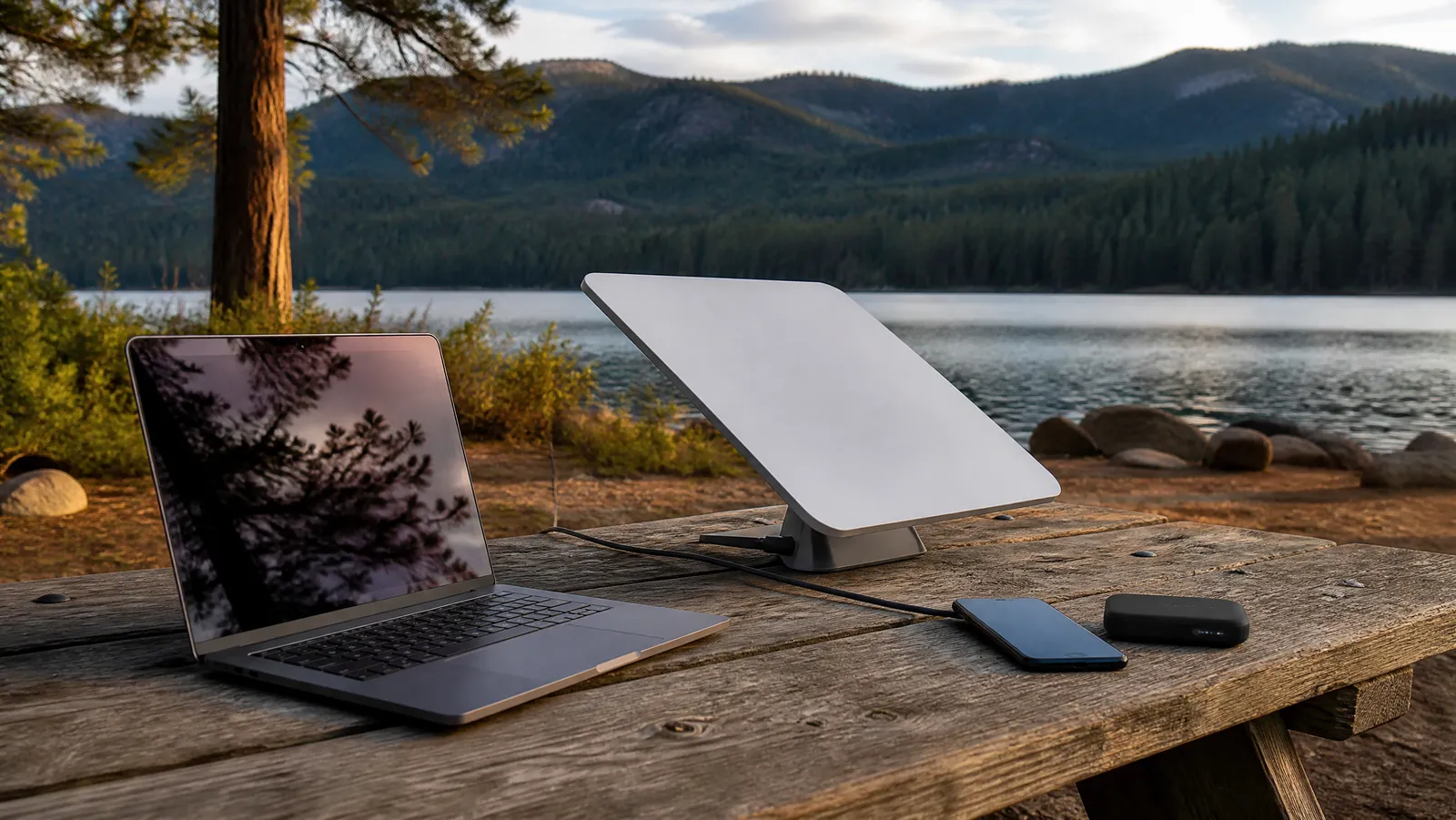
The moment the coverage map goes white, the Starlink Mini becomes the only tier that can carry an actual meeting. It's a 2.4-pound flat dish with a built-in router that stows in a drawer and deploys in about five minutes, and SatelliteInternet.com's 2026 field review of the Mini measured 100–200 Mbps downloads — video-call-grade internet in places with zero bars. As of mid-2026 the hardware lists at $249.99, and the same review notes brand-new customers can currently pick it up for $199 under Starlink's promotional pricing. Our full Starlink Mini review covers months of field testing; here's the van-specific version.
Mounting: don't hard-mount it. The Mini's superpower in a van is that it doesn't need an installation. We use three deployments, in order of frequency:
- Dashboard. Under the windshield, angled at open sky. Zero setup, fine for a quick call, but the roof and window frame cost you sky view.
- Magnetic or quick-release roof mount. The everyday position: full sky view, cable through a window seal, dish comes down before you drive off.
- Pole mount. A telescoping flagpole clears low tree cover from a shaded campsite — the trick that reconciles shade parking with satellite internet.
Power draw: better than its reputation. Field measurements published by accessory specialist Dishy Mini Mounts show that after Starlink's late-January 2026 firmware update, the Mini's steady-state draw dropped to roughly 16–20W (about 17W typical) with a clear sky view, with sustained video calls and streaming closer to 25–30W, and a startup spike near 60W while the dish acquires satellites. Starlink's own spec sheet still lists a conservative 25–40W average, and Anker SOLIX's power-consumption guide pegs idle draw at about 15W. Practical takeaway: an eight-hour Starlink workday costs roughly 140–200Wh — trivial for a van battery bank, meaningful for sizing a backup power bank.
Plans: know the 2026 lineup. Per SatelliteInternet.com's report on the 2026 price changes, Roam 100GB now runs $55 per month (up from $50) and Roam Unlimited $175 per month (up from $165); Starlink has also capped Unlimited's international use at a new 30-days-per-trip limit, and 4WDTalk reports a Roam 300GB tier was added on May 14, 2026 at $80 per month. For a full-time van office doing daily calls, 100GB disappears fast — most full-timers we know land on 300GB or Unlimited.
In-motion rules. Starlink's help center states that Roam plans support in-motion use at up to 100 mph in authorized locations — useful if a passenger works while you drive — though 5Gstore reports the cheap Standby mode lost in-motion use in March 2026. If the dish rides the roof while driving, use a mount rated for highway speeds.
Tier 3: One Router to Rule All Your Van Life WiFi
The piece that makes a van feel like an office instead of a gadget drawer is a travel router presenting one network across every upstream. Your laptop, phone, tablet, and smart speaker connect to a single WiFi name; behind the scenes, the router's WAN side switches between the cellular router, the Starlink Mini, or a campground network. Change upstreams and nothing on your devices needs to be touched — no re-pairing, no hunting for passwords mid-meeting.
The routers in our best travel routers for digital nomads roundup handle every mode this architecture needs: ethernet WAN (from a 5G router or Starlink's ethernet adapter), USB tethering (from a phone), and WISP repeater mode (grabbing campground WiFi and rebroadcasting it inside the van). Two more van-specific wins: a router-level VPN protects every device at once on shared campground networks, and most travel routers run happily on 5V–12V DC, so they can live permanently wired into the van's 12V system drawing just a few watts.
Our pick order hasn't changed: the GL.iNet Beryl AX ($89) for most builds, the $23 Mango as a glovebox backup, the Slate AX ($119) when VPN throughput matters.
The Bonus Tier: Campground WiFi
Treat campground WiFi as a bonus, never a plan. Industry guidance published by Good Sam's Campground Solutions pegs a well-run park's target at an average of just 5–10 Mbps of download per site — workable for email, marginal for a video call, and shared with every rig around you. The realistic play, per TechnoRV's RV WiFi extender guide, is line-of-sight: with a clear path to the access point within about 200–300 feet on 5GHz, a modern extender or a travel router in repeater mode can pull 20–100 Mbps, while at longer range on 2.4GHz with obstructions in the way you're typically down to 2–15 Mbps.
Our rule: use campground WiFi for bulk, non-urgent transfers — OS updates, cloud backups, downloading tomorrow's files — and keep calls on cellular or Starlink. Free data is for errands, not meetings.
Powering the Mobile Office: Alternator, Solar, and the Workday Math
A mobile office van setup lives or dies on the energy ledger, so run the numbers once and the anxiety disappears. A realistic connected workday — laptop (roughly 60W for six hours), Starlink Mini (about 17W for eight hours), router, phone charges — lands in the 400–600Wh range, consistent with the budgets in our pillar guide.
Against that draw, a van has two native superpowers:
The alternator is your generator. A DC-DC charger charges your house battery from the vehicle's alternator whenever the engine runs — Renogy's 50A DCC50S, the unit we see most in builds, moves current at up to 50 amps, which at a nominal 12 volts works out to roughly 600W of charging while you drive. In practice, about an hour of driving replaces a full workday of connectivity-and-laptop draw. Travel days are charge days.
The roof is free real estate. Solar covers the parked days the alternator can't. Whether you bolt rigid panels to the roof rack or deploy folding ones toward the sun, size against your workday number, not the wattage on the box — our roundup of the best portable solar panels covers the real-world harvest math, and the short version is that panels deliver a fraction of their rating once weather, angle, and season take their cut.
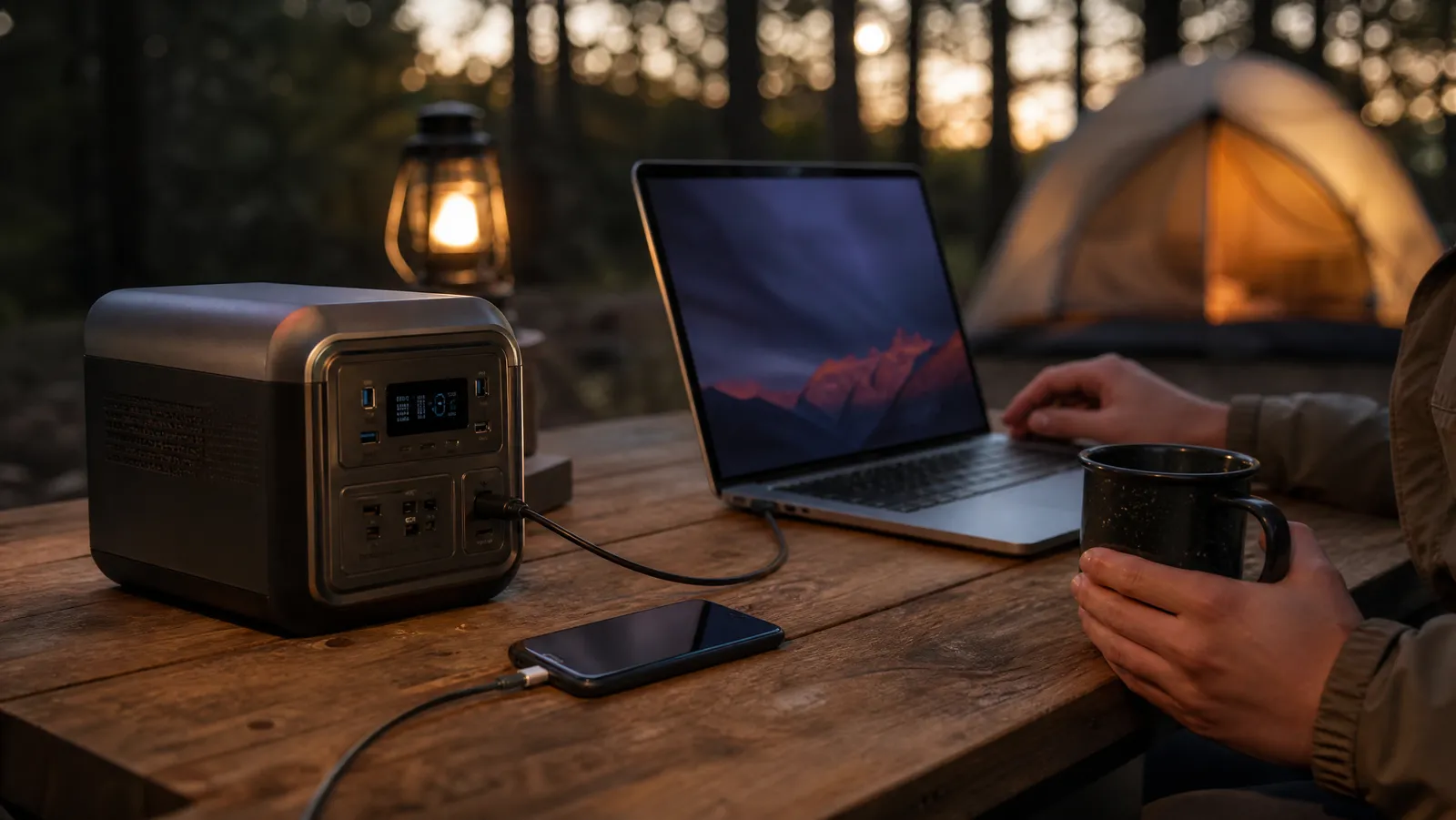
Between those two inputs sits the battery. Built-in house banks are ideal, but plenty of van offices run everything from a LiFePO4 power station instead — no electrician required, and it doubles as the office battery outside the van. Our guide to the best portable power stations for remote work covers sizing; for a van, we'd start at the 1,000Wh class.
One efficiency note that compounds daily: run the Mini and the router on DC power directly where you can. Converting battery DC to AC through an inverter and back to DC inside a wall adapter burns roughly 15 percent of every watt-hour for nothing.
The Shade-vs-Signal Parking Dilemma
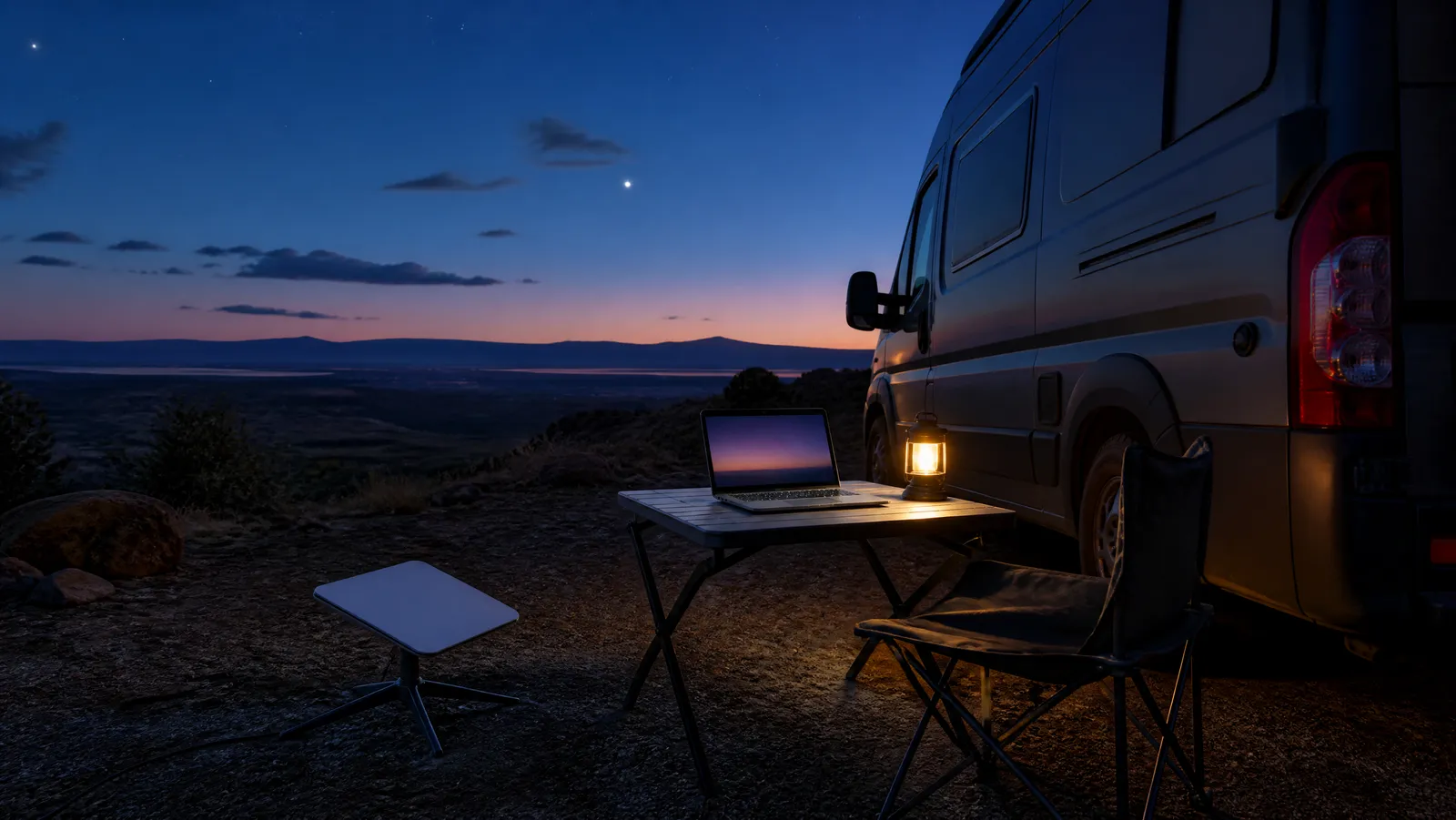
Here's the constraint no product page mentions: the tree that cools your office blocks your satellites. Starlink needs a wide, unobstructed cone of sky; a van in July needs shade. You will face this trade-off almost daily in summer, and pretending otherwise costs you either a sweltering afternoon or a stuttering client call.
How we play it:
- Check before you commit. The Starlink app's obstruction checker takes two minutes. Run it at the actual parking spot, not the campground entrance.
- Park at the treeline, not under it. Nose the van into shade and give the dish open sky ten feet away — this is where a longer dish cable or a pole mount earns its keep.
- Schedule around the sun. Calls and heavy uploads from open-sky parking in the cooler morning; shaded deep-work parking after lunch, riding on cellular if a tower's in reach.
- Remember cellular doesn't care about trees. Shade parking with a roof antenna and a workable tower beats open-sky Starlink on comfort every time. Satellite is for when cellular loses, not a default.
What a Mobile Office Van Setup Costs
Three honest build levels, priced from the hardware we've reviewed across this series and the plan prices verified above (as of July 2026):
| Budget | Standard | Redundant everything | |
|---|---|---|---|
| Cellular | Phone tethering on your existing plan | Dedicated hotspot + window antenna | Nighthawk M6 Pro ($699) + roof MIMO antenna, second carrier on phone |
| Satellite | None — campground WiFi as fallback | Starlink Mini ($249.99; $199 promo) | Starlink Mini |
| Router | GL.iNet Mango ($23) | GL.iNet Beryl AX ($89) | GL.iNet Slate AX ($119) |
| Hardware total | About $25 | Roughly $400–550 | Roughly $1,300–1,700 with antenna and mounts |
| Monthly | Existing phone plan | Roam 100GB, $55 | Roam Unlimited ($175) + hotspot plan |
The budget build is real — plenty of people run a full season on tethering plus a $23 router — but it has no answer for coverage-map white space, and its hotspot cap will pinch. The standard build is the sweet spot: every tier covered, under the cost of a laptop. The redundant build is for workers whose contracts genuinely cannot survive a dropped call; it's also, not coincidentally, roughly what we run.
Whatever level you choose, spend the antenna money before the router money. Signal you can't receive is signal no router can fix.
The Bottom Line
A van office in 2026 is a solved problem: cellular with a real antenna for the daily grind, a Starlink Mini in the drawer for the dead zones, one travel router so your devices never notice the difference — all riding on an alternator and a roof's worth of solar that replenish faster than a workday drains.
Build it in that order, then do what we tell everyone before the first real trip: run a full dress rehearsal from your driveway — every call over your own stack, every watt from your own batteries. The gaps you find at home cost nothing; the ones you find at a trailhead cost deadlines. And when you're ready to size the batteries, panels, and backups around this setup, the rest of our off-grid internet and power guide picks up exactly where this chapter ends.
The office has wheels now. Park it somewhere worth the commute.
About the Author