Off-Grid Internet Options for Remote Workers: Every Way to Get Online
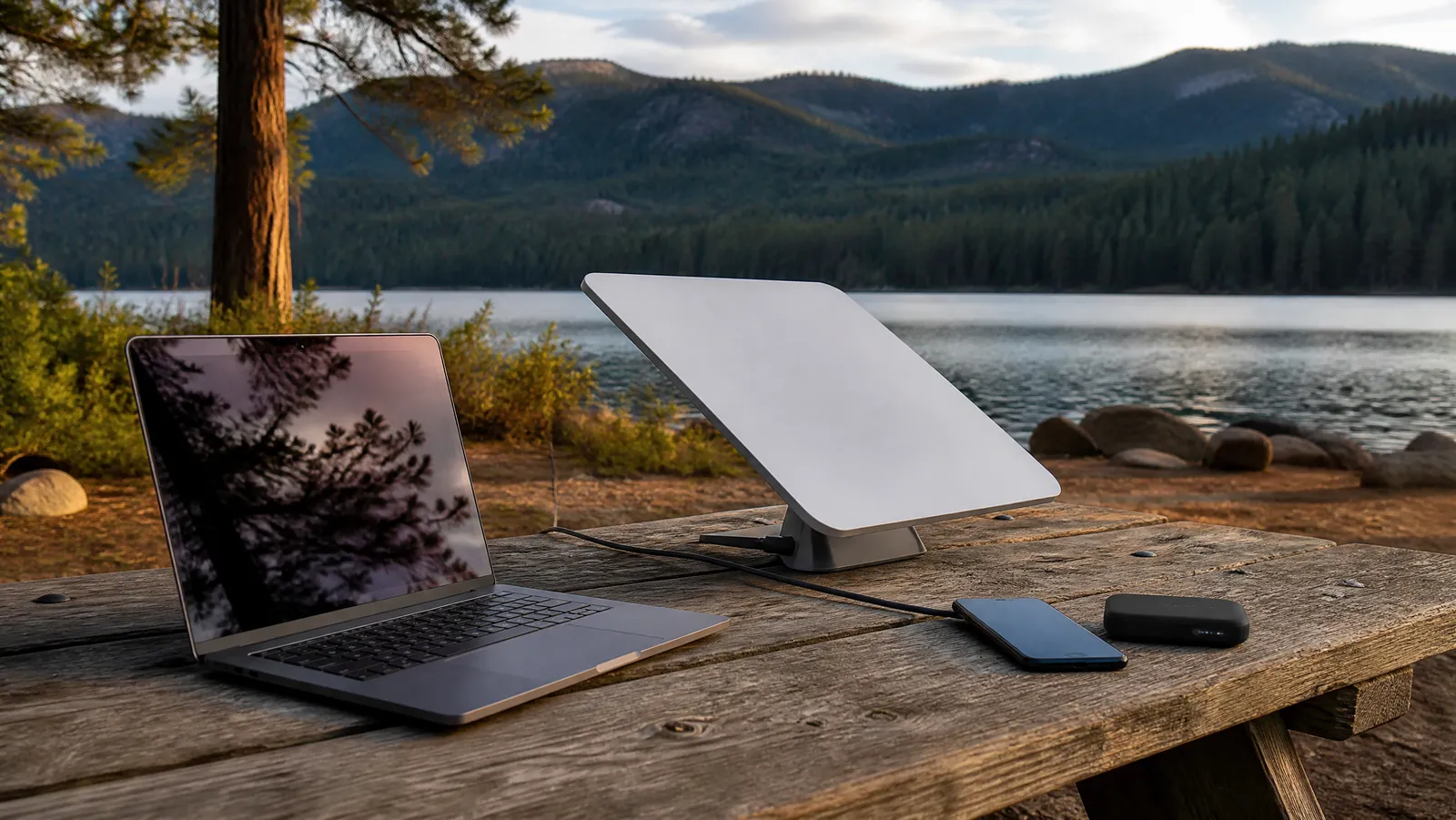

Your off-grid internet options in 2026 come down to six: cellular tethering from your phone, a dedicated 5G hotspot with an external antenna, low-Earth-orbit satellite (practically speaking, Starlink), legacy geostationary satellite, fixed wireless from a local provider, and satellite messengers. Only the first three can reliably carry a video call.
That last sentence is the filter for everything below. We judge every option in this guide against one standard: can it hold a video call and let you hit a deadline? Plenty of connections can load a weather forecast; far fewer can survive a 10 a.m. client meeting from a trailhead.
This article is the options overview in our series on off-grid internet for remote work — the map of every way to get online beyond the last cell tower, what each costs, and how we'd combine them.
The Six Off-Grid Internet Options at a Glance
Before the detail, here is the whole landscape in one table. Prices and speeds are as of July 2026 and sourced inline in each section below.
| Option | Works where | Video-call grade? | Typical monthly cost |
|---|---|---|---|
| Cellular tethering / eSIM | Within tower range | Yes, with signal | Often included in your plan |
| 5G hotspot + external antenna | Fringe coverage areas | Yes, with 1–2 bars rescued | Plan dependent, roughly $20–90 |
| LEO satellite (Starlink) | Anywhere with open sky | Yes | $55–175 (Roam plans) |
| Geostationary satellite | Anywhere with southern sky | No — latency too high | Varies by provider |
| Fixed wireless / WISP | Near a tower, semi-permanent | Usually yes | Varies by provider |
| Satellite messenger | Anywhere with sky view | No — text only | Roughly $8–50 |
Notice the pattern: the further you get from infrastructure, the more you pay and the more hardware you carry. The skill of working off-grid is knowing which rung of this ladder your location actually requires — and not paying for a higher rung than you need.
Cellular Tethering and eSIMs: The Cheapest Off-Grid WiFi Option
Start here, because you already own it. Your phone's hotspot mode turns any usable cellular signal into WiFi for your laptop, and for a surprising share of "off-grid" locations — forest service roads, rural campgrounds, small villages — that is genuinely all you need. Of all the off grid wifi options in this guide, tethering is the only one with zero extra hardware and zero extra subscription.
The catch is the word usable. Coverage maps are optimistic, and the gap between urban and rural service is real: network-measurement firm Opensignal has found that rural US users spend a substantially smaller share of their time connected to 5G than urban users — and that this availability gap has widened even as the speed gap narrowed. Off the interstate, assume 4G LTE at best and dead air often.
Two ways to squeeze more from cellular before spending on satellite:
- Carry a second network. A dual-SIM phone with an eSIM from a different carrier doubles your odds of finding signal. Our eSIM vs pocket WiFi vs local SIM comparison breaks down which approach fits which travel style.
- Know your burn rate. Video calls consume data fast, and many "unlimited" phone plans throttle hotspot data specifically. Read the hotspot allowance, not the headline allowance.
Tethering's power draw is trivial — a phone sips single-digit watts — which makes it the most battery-friendly option here by a wide margin.
How to Get Internet in Remote Areas With a 5G Hotspot and External Antenna
The fringe-coverage rescue. There is a large band of terrain where your phone shows one flickering bar — not enough to work on, but proof that a tower exists somewhere on the horizon. A dedicated hotspot with an external antenna is built for exactly this band, and it is often the difference between "no internet" and a stable workday.
Dedicated hotspots beat phones at this job for three reasons. They have better radios and antennas than a phone, they run all day without cooking your phone's battery, and — critically — the better ones accept external antennas. According to Netgear, its Nighthawk M6 hotspot line includes external antenna ports precisely so rural users can attach directional antennas and pull in signal from distant towers. As 5Gstore's antenna guide explains, an external antenna captures signal that internal modules simply cannot, especially in deep valleys or through vehicle walls. TechEngage's 2026 hotspot roundup notes the market has shifted hard to 5G devices from Netgear, Inseego, and Franklin, with newer flagships adding Wi-Fi 6E and even Wi-Fi 7.
The playbook is simple: mount a directional or MIMO antenna high (a pole, a roof rack), aim it toward the nearest tower, and let the hotspot do the rest. We've turned unworkable fringe signal into steady video calls this way more times than we can count. Our guide to the best portable WiFi hotspot for travel covers the device side in detail.
The honest limit: this only works where a tower exists within antenna range. If the coverage map is truly white, no antenna will conjure a signal — that is where satellite takes over.
LEO Satellite: Starlink Is the Real Internet for Remote Locations
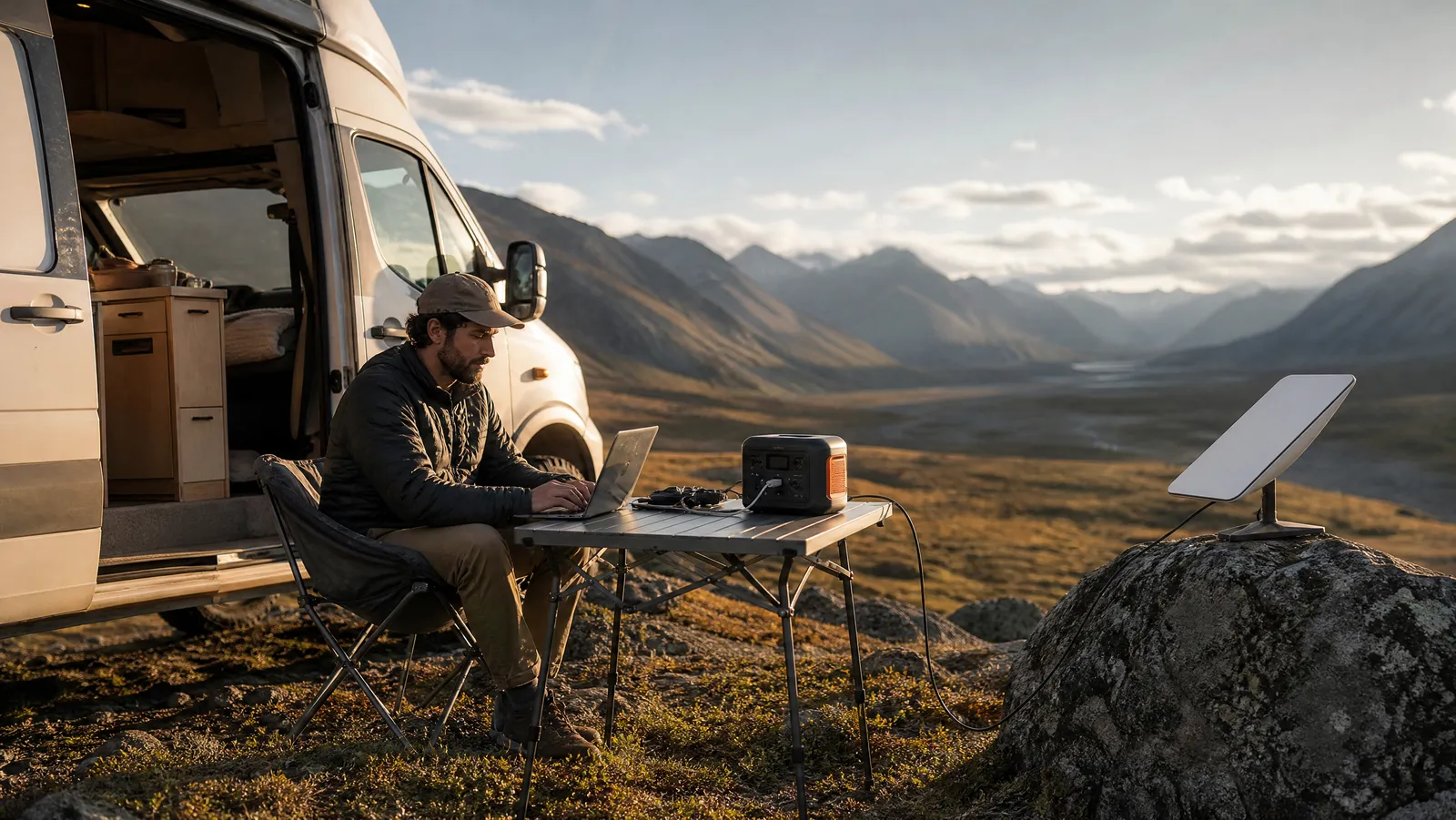
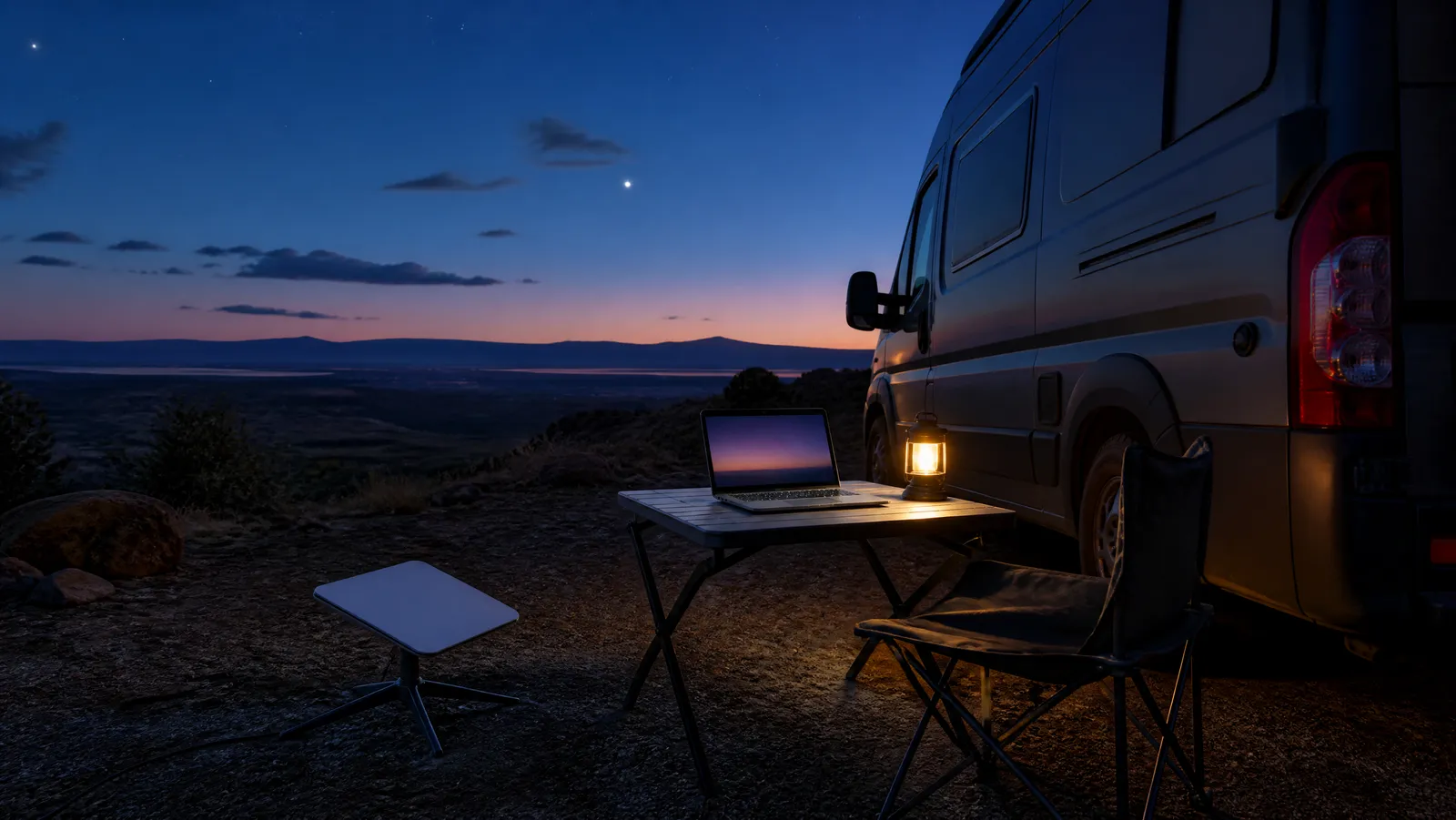
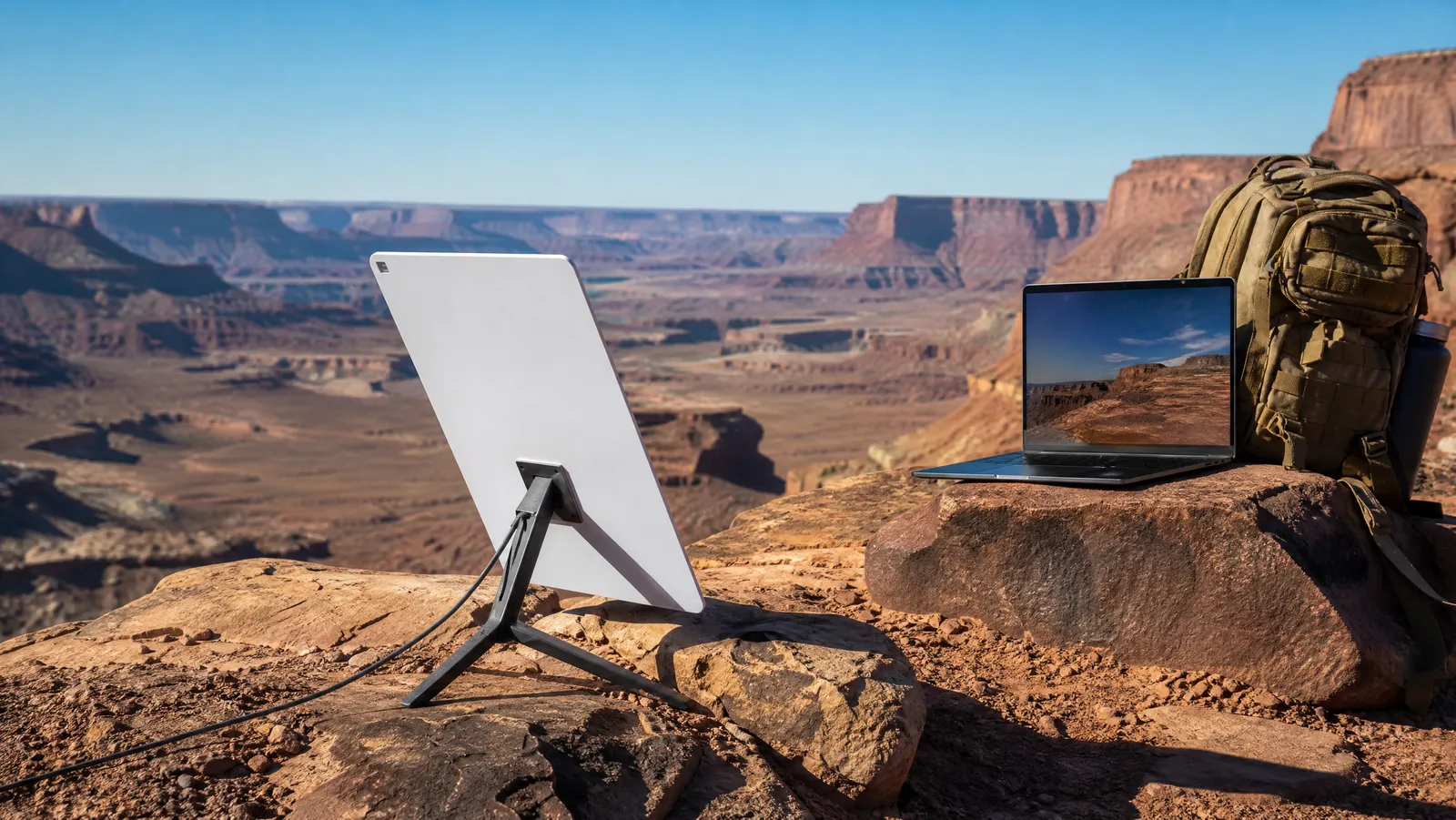
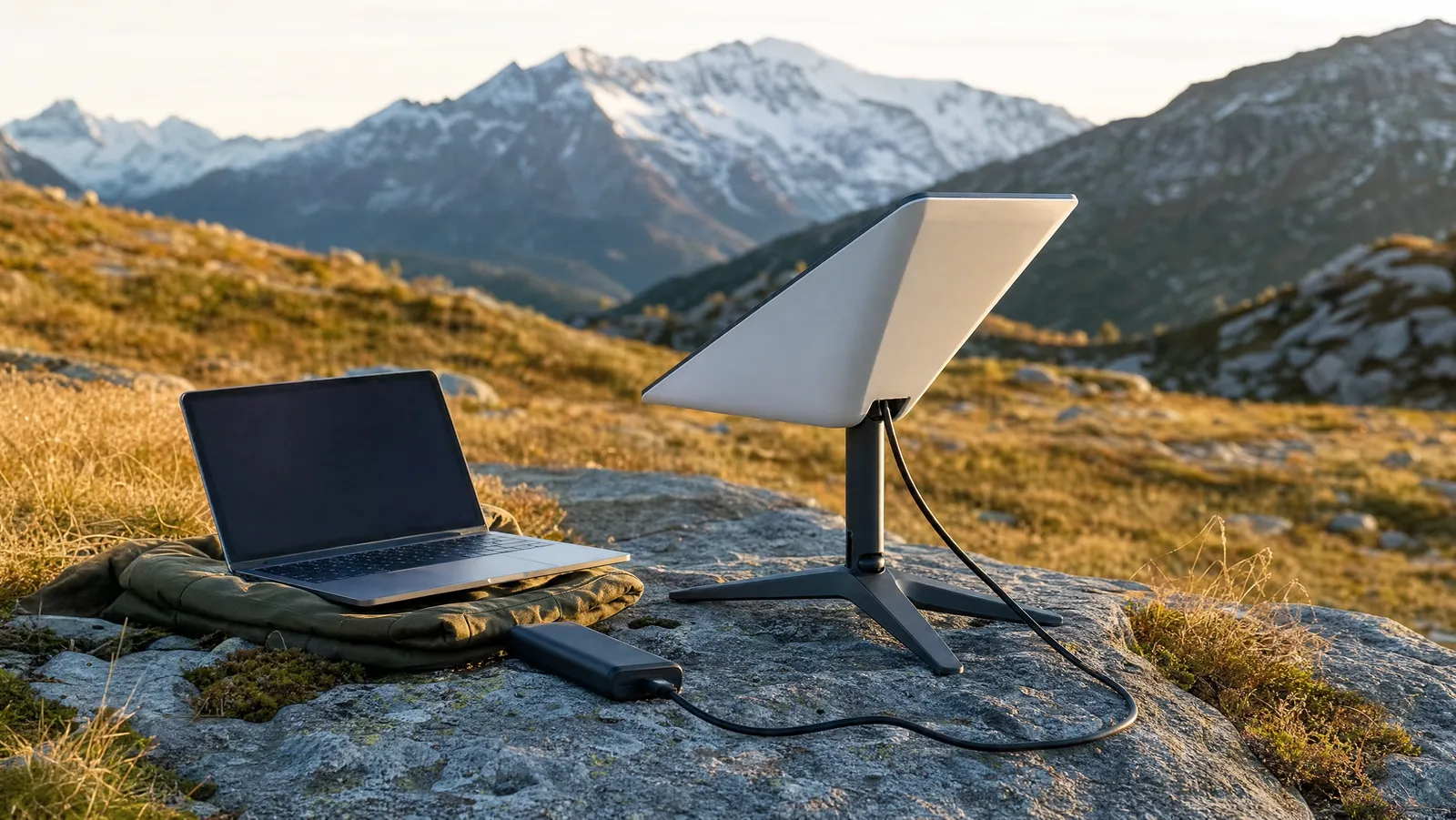
This is the true off-grid workhorse. Low-Earth-orbit satellite internet works anywhere with a clear view of the sky — no towers, no infrastructure, no negotiation with geography. In 2026, for a portable work setup, that means Starlink, and specifically the Starlink Mini: a dish-plus-router unit that Starlink lists at about 2.5 pounds, small enough to ride in a daypack.
The performance is genuinely work-grade internet for remote locations. SatelliteInternet.com's 2026 field testing of the Mini measured consistent downloads of 100–200 Mbps, and Orbital Radar's latency comparison puts LEO round-trip times at 25–60 milliseconds — in the same range as terrestrial broadband, which is why video calls feel normal. We put the dish through a full working month in our Starlink Mini review; the short version is that under open sky, meetings simply hold.
The costs, as of July 2026:
- Hardware: the Starlink Mini kit lists at $249, with Starlink and retailers periodically discounting it to $199 — down from $599 at launch.
- Service: SatelliteInternet.com's plan breakdown lists Roam at $55 per month for 100GB, $80 for 300GB, and $175 per month for Roam Unlimited. One 2026 change worth knowing: the capped 100GB and 300GB tiers are now domestic-only, so border-hoppers need Unlimited.
- Flexibility: per BroadbandNow, Roam bills month-to-month with no contract. Pausing now runs through Starlink's Standby Mode at $5 per month (or you can cancel outright and restart later at no fee) — still workable if you only go off-grid seasonally.
For a remote worker doing daily calls, 100GB disappears faster than you'd expect; most full-timers land on 300GB or Unlimited. Start small, watch the usage meter, upgrade when you hit the wall.
What About Amazon Leo (Project Kuiper)?
Competition is coming, but it is not here yet. Amazon's LEO constellation — rebranded from Project Kuiper to Amazon Leo — is scheduled to begin service in mid-2026, a timeline Andy Jassy gave in his annual shareholder letter, as reported by Engadget. But as of July 2026, satellite trackers put the constellation at roughly 394 satellites in orbit against the 578 needed for initial Phase 1 service, and analysts peg broad consumer availability as more realistic in 2027. A free waitlist is live on Amazon's Leo site, and Amazon promises downloads up to 1 Gbps — though that figure applies to its top-tier enterprise terminal, not the standard residential dish. Our advice: join the waitlist if you like, but do not delay a purchase waiting for it — as of mid-2026 there is no portable Leo product you can actually buy.
Power Draw: The Constraint Nobody Prices In
Off-grid, watts are currency, and the options above are not priced equally. A tethering phone draws a few watts. A dedicated hotspot draws roughly phone-charger levels. The Starlink Mini, per Starlink's own spec sheet, averages 25–40W — modest by satellite standards, but enough that a full workday of dish time demands real stored energy, not a pocket power bank.
That is why satellite users should size their battery before their dish: our roundup of the best portable power stations for remote work walks through the arithmetic, but the rule of thumb is that an eight-hour Starlink day plus a laptop wants 400–600Wh of capacity. Cellular-only workers can skip the power station entirely — one more reason to exhaust the cheaper rungs of the ladder first.
Geostationary Satellite: Why We Don't Recommend It for Calls
HughesNet and Viasat have sold satellite internet to rural America for decades, and their coverage is genuinely everywhere. So why aren't they in our recommendations? Physics.
Geostationary satellites orbit at 22,236 miles — so far that, as Orbital Radar's latency analysis notes, the speed of light alone imposes roughly a 480-millisecond minimum round trip, with real-world latency landing at 600–700 milliseconds. Compare that to Starlink's 25–60 ms. On a video call, a 600 ms delay means participants constantly talk over each other; conversation physically does not flow. Raw bandwidth is not the issue — Viasat sells plans at up to 150 Mbps down depending on location (with uploads of roughly 3–5 Mbps) and HughesNet tops out around 100 Mbps — but no amount of bandwidth fixes latency.
There is also no truly portable GEO option for nomads: the hardware is dish-on-the-roof, professionally installed, tied to an address. For a remote worker whose job includes meetings, geostationary satellite is a browsing-and-email connection, not a working one. If your work is fully asynchronous and a provider already serves your cabin, it can limp along — but we would still choose Starlink at similar money.
Fixed Wireless and WISPs: For Semi-Permanent Off-Grid Bases
If your version of off-grid is a fixed base — a cabin, a homestead, a long-term parcel — check for fixed wireless before buying any satellite hardware. A local Wireless Internet Service Provider (WISP) beams internet from a tower to a small antenna on your roof, and where it exists it is often cheaper and lower-power than satellite.
The sector is bigger than most nomads realize. According to InternetProviders.ai's 2026 fixed-wireless guide, fixed wireless (including carrier 5G home internet) serves approximately 12 million US households, with analysts projecting 30–40 million by 2028. The same guide puts typical WISP plans at 25–100 Mbps, carrier 5G home service in the roughly 72–300 Mbps range, and notes the practical constraint: your site generally needs to be within about 10 miles of the tower with clear line of sight, though lower-frequency systems can reach 30-plus miles.
That line-of-sight requirement is the whole game — a ridgeline or dense forest between you and the tower ends the conversation. But if a WISP serves your valley, latency is terrestrial, video calls work, and there is no dish drawing 40W off your battery bank. Search "WISP + your county" before you spend a dollar on anything else for a fixed base.
Satellite Messengers: The Text-Only Floor
The last rung is not internet at all, and it is on this list anyway because every off-grid worker should carry it: a way to send a message with zero cellular and zero WiFi.
Two paths in 2026:
- Your phone, via direct-to-cell satellite. T-Mobile's T-Satellite service (built on Starlink's direct-to-cell constellation) sends texts, shares location, and runs select light apps — including WhatsApp voice chat — from most smartphones released in the last four years, per T-Mobile, and non-T-Mobile customers can subscribe too. It costs $10 per month as of mid-2026 and covers more than 500,000 square miles of the US that no carrier's towers reach.
- A dedicated satellite messenger. Devices in the Garmin inReach class add multi-day battery life and a dedicated SOS function tied to a 24/7 emergency coordination center. Backpacker's 2026 testing puts inReach subscription plans at roughly $8–50 per month, and named the $400 inReach Messenger Plus — the first communicator with photo and voice messaging — its top overall pick.
Be clear-eyed about what this rung is: safety and status updates, not work. You cannot join a call, open a doc, or push a commit over a messenger. What you can do is tell a client "signal died, deliverable lands tomorrow at 9" — which, professionally, is worth almost as much as the deliverable itself.
How We'd Stack These Options: Three Scenarios
No single option is a complete answer, because every one of them fails somewhere. The professionals' move is a layered stack — and a written internet backup plan for remote work that says which layer catches you when the one above it drops.
The weekend warrior (a few off-grid workdays per month):
- Primary: phone tethering plus a second-carrier eSIM
- Backup: a 100W-class power bank and a paused Starlink Roam plan you can resume for big trips
- Floor: T-Satellite at $10/month on the phone already in your pocket
The van-lifer (off-grid is the office):
- Primary: Starlink Mini on Roam 300GB or Unlimited
- Backup: 5G hotspot with a roof-mounted external antenna for tree cover, urban stops, and dish failures
- Floor: a dedicated inReach-class messenger, because your SOS device should not share a battery with your office
- Support: a 500Wh-plus power station and solar to feed the dish
The cabin base (semi-permanent, fixed location):
- Primary: a local WISP if one clears your terrain — cheapest watts-per-megabit on this list
- Backup: Starlink (Roam if seasonal, Residential if permanent)
- Floor: T-Satellite or a messenger for storm-and-outage days
The Bottom Line
Getting online off the grid is not one decision; it is a ladder. Exhaust cellular first because it is nearly free. Add an antenna-equipped hotspot if you live in the fringe. Buy Starlink the day your work leaves the coverage map, budget the watts to feed it, and carry a text-only floor so no failure ever makes you unreachable.
Every rung of that ladder — power stations, solar, the dish itself, the backup plans — gets its own deep-dive in our complete off-grid setup guide, and the on-grid half of the connectivity equation lives in our digital nomad WiFi and connectivity guide. Pick your scenario above, build the stack, and take the meeting from wherever you parked.
About the Author